
Taco Bell Pay Stub Guide: Access Payroll, Understand Earnings & Fix Issues
Understanding your Taco Bell pay stub is essential whether you are a current employee, a former worker, or someone preparing to join the company. It is more than just a paycheck summary it is a complete record of your earnings, taxes, deductions, and employment activity. Many employees rely on it for budgeting, tax filing, rental applications, and verifying income accuracy.
Because Taco Bell operates under a mix of corporate-owned and franchise-owned locations, payroll systems can vary. Some employees access pay information through an Employee Self-Service (ESS) portal, while others may use third-party payroll systems such as ADP or Workday-based platforms. This variation often creates confusion, especially when trying to locate or retrieve a missing pay stub.
At its core, a Taco Bell pay stub provides transparency into how your gross pay becomes net pay. It breaks down hours worked, overtime, taxes withheld, and any benefit deductions. Understanding this document helps employees detect payroll errors early and ensures financial accuracy.
What a Taco Bell Pay Stub Is and Why It Matters
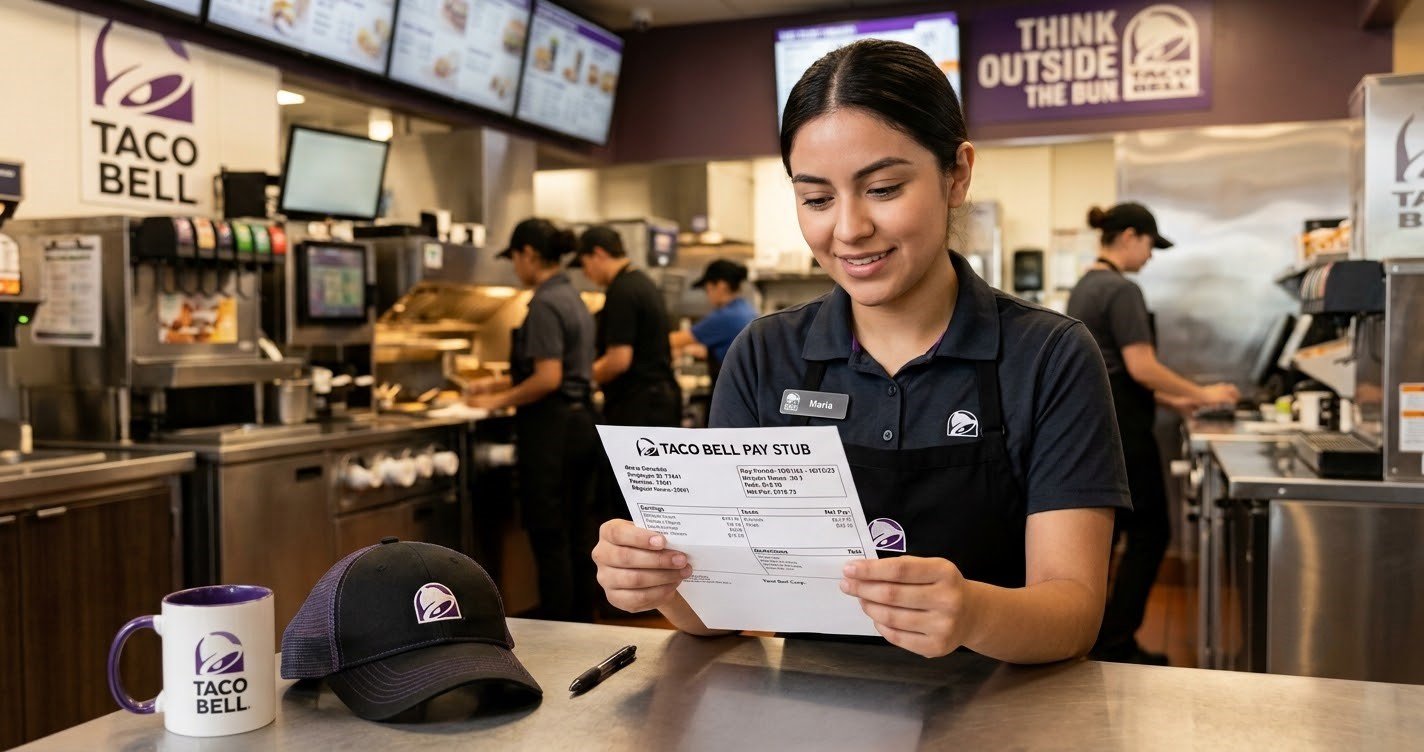
A Taco Bell pay stub is an official earnings statement that shows how much an employee earned during a specific pay period and how those earnings were calculated. It includes gross wages, tax deductions, benefits deductions, and the final net pay deposited into the employee’s account.
This document matters because it serves multiple purposes beyond just showing income. Employees use it for proof of employment, loan approvals, apartment rentals, tax filing, and financial planning. Without understanding your pay stub, it becomes difficult to track whether you are being paid correctly or whether deductions are accurate.
For example, an employee working 20 hours per week at an hourly rate may notice variations in pay due to overtime, shift differentials, or tax adjustments. The pay stub helps explain these differences clearly.
How Taco Bell Payroll Systems Work
Taco Bell payroll is not managed through a single unified system for all employees. Instead, payroll is handled through a combination of corporate systems and franchise-managed providers. This is one of the biggest reasons employees often struggle to find a single login portal.
Most payroll systems follow a standard structure:
Employees clock in and out using a time-tracking system. These hours are submitted to payroll after manager approval. Payroll software then calculates total wages based on hourly rates, overtime eligibility, and applicable bonuses. Taxes and deductions are applied, and the remaining amount is deposited through direct deposit or issued as a paycheck.
Many locations rely on Employee Self-Service (ESS) portals where employees can log in, view pay history, and download pay stubs. Others may use payroll platforms similar to ADP or Workday environments depending on franchise ownership.
How to Access Your Taco Bell Pay Stub
Accessing your Taco Bell pay stub depends on the payroll system your employer uses. Most employees follow a similar general process even though the platform may differ.
First, you need to identify the payroll system used by your specific Taco Bell location. This is usually provided during onboarding or can be confirmed through your manager. Once identified, you log into the employee portal using your credentials such as employee ID or registered email.
After logging in, you navigate to the payroll or earnings section. This area typically includes pay statements organized by pay period. You can select a specific date range and open your pay stub.
Once opened, most systems allow you to download the document as a PDF or print it for personal or official use.
If you cannot access the portal, the issue is usually related to incorrect credentials, locked accounts, or system maintenance. In such cases, password recovery or HR support is required.
Understanding the Structure of Your Pay Stub
A Taco Bell pay stub contains several key sections that explain how your pay is calculated.
The first section includes employee details such as name, employee ID, and location. This ensures the pay stub is correctly assigned to the right worker.
The second section shows the pay period and pay date. This is important because Taco Bell employees are typically paid on a biweekly schedule, though exact timing may vary by franchise.
Next is the hours worked section. This includes regular hours, overtime hours, and sometimes holiday or training hours. These hours are multiplied by your hourly rate to determine gross pay.
Gross pay represents total earnings before any deductions. This includes base wages and additional compensation such as overtime pay or bonuses.
After gross pay, deductions are applied. These may include federal income tax, state tax, Social Security, Medicare, and any voluntary deductions like health insurance or retirement contributions.
Finally, net pay is displayed. This is the actual amount deposited into your bank account.
Understanding the difference between gross pay and net pay is critical because many employees mistakenly assume these amounts should be the same.
Common Payroll Deductions Explained
Payroll deductions are amounts subtracted from your gross pay before you receive your net pay. These deductions fall into three main categories: taxes, benefits, and other withholdings.
Tax deductions include federal income tax, Social Security contributions, and Medicare. Depending on your state, additional state income taxes may apply. These are required by law and vary based on your earnings and tax elections.
Benefit deductions include health insurance, dental insurance, vision coverage, and retirement contributions. Employees enrolled in company benefits will see these automatically deducted each pay period.
Other deductions may include wage garnishments, union dues, or voluntary contributions. These vary depending on individual circumstances.
Understanding these deductions helps employees identify whether changes in pay are due to legitimate adjustments or potential errors.
Why Your Taco Bell Pay Stub May Be Missing
Missing pay stubs are one of the most common employee concerns. Several factors can cause this issue.
Sometimes payroll processing is delayed, especially during holidays or system updates. In other cases, employees may be logged into the wrong payroll system or using outdated credentials.
Another common issue occurs when employees switch locations or franchises, leading to changes in payroll access systems.
If a pay stub is missing, the first step is to verify the pay date. If the pay period has already closed, then checking login credentials or contacting HR is the next step.
How to Fix Login or Payroll Access Issues
Payroll login issues usually involve incorrect passwords, locked accounts, or system mismatches. The most effective solution is to use the password recovery option available on most payroll portals.
If recovery does not work, employees should contact their manager or HR representative. They can verify identity and reset account access.
It is important not to create multiple accounts, as this can complicate payroll records and delay access further.
Former Employee Access to Pay Stubs
Former Taco Bell employees may still need access to pay stubs for tax filing, loans, or employment verification. Access depends on how long the employer retains payroll access after termination.
In many cases, former employees can still log into the payroll system for a limited period. If access is no longer available, they must request documents directly from HR or payroll departments.
It is also common for employers to provide final W-2 forms or equivalent tax documents through mail or digital delivery.
Taco Bell Pay Stub vs Other Countries (US, Canada, UK)
In the United States, Taco Bell employees receive pay stubs that align with IRS tax reporting and W-2 forms.
In Canada, similar records are issued as T4 slips, governed by the Canada Revenue Agency (CRA). Payroll systems reflect CAD currency and Canadian tax deductions.
In the United Kingdom, employees receive payslips under the PAYE system managed by HM Revenue & Customs (HMRC). These include National Insurance contributions and income tax deductions.
Although the structure differs, the purpose remains the same: to provide a transparent breakdown of earnings and deductions.
Security and Accuracy of Payroll Information
Payroll information is sensitive and must be protected. Employees should always use secure passwords and enable multi-factor authentication when available.
Pay stubs should be reviewed regularly to ensure accuracy in hours worked, wages, and deductions. Any discrepancies should be reported immediately to prevent long-term payroll errors.
Employees should also avoid sharing login credentials or accessing payroll systems on public devices.
How to Read Your Pay Stub Like a Professional
To properly understand your pay stub, start by reviewing your hours worked and hourly rate. Next, compare gross pay to expected earnings based on your schedule.
Then examine deductions carefully, especially taxes and benefits. Finally, verify net pay matches your bank deposit.
This simple process helps prevent financial confusion and ensures payroll accuracy.
Final Thoughts
A Taco Bell pay stub is more than just a paycheck record it is a financial document that reflects your work history, earnings, and tax obligations. Understanding how to access it, read it, and troubleshoot issues is essential for every employee.
Because payroll systems may differ between corporate and franchise locations, employees should always confirm their correct portal and maintain secure access credentials. Regularly reviewing your pay stub helps ensure accuracy, financial stability, and better control over your income.
FAQs
How do I get my Taco Bell pay stub?
You can access it through your employer’s payroll or employee self-service portal using your login credentials.
What payroll system does Taco Bell use?
It varies by location, often using corporate ESS systems or third-party platforms like ADP or Workday-based tools.
Why is my Taco Bell paycheck missing?
It may be due to payroll delays, login issues, or incorrect portal access. Always verify your pay date first.
Can I access Taco Bell pay stubs after quitting?
Yes, but only if your employer still allows portal access or you request records from HR.
What is included in a Taco Bell pay stub?
Hours worked, gross pay, deductions, taxes, and net pay.
How do I download my pay stub as a PDF?
Log into your payroll portal, open pay history, and select download or print option.
Why is my net pay lower than expected?
Because taxes, benefits, and other deductions are subtracted from gross pay.